
Every voice,
in your hands.
Clone a voice from a short sample, narrate scripts with 128+ public personas, and strip background noise — one studio, three tools, no skills required.
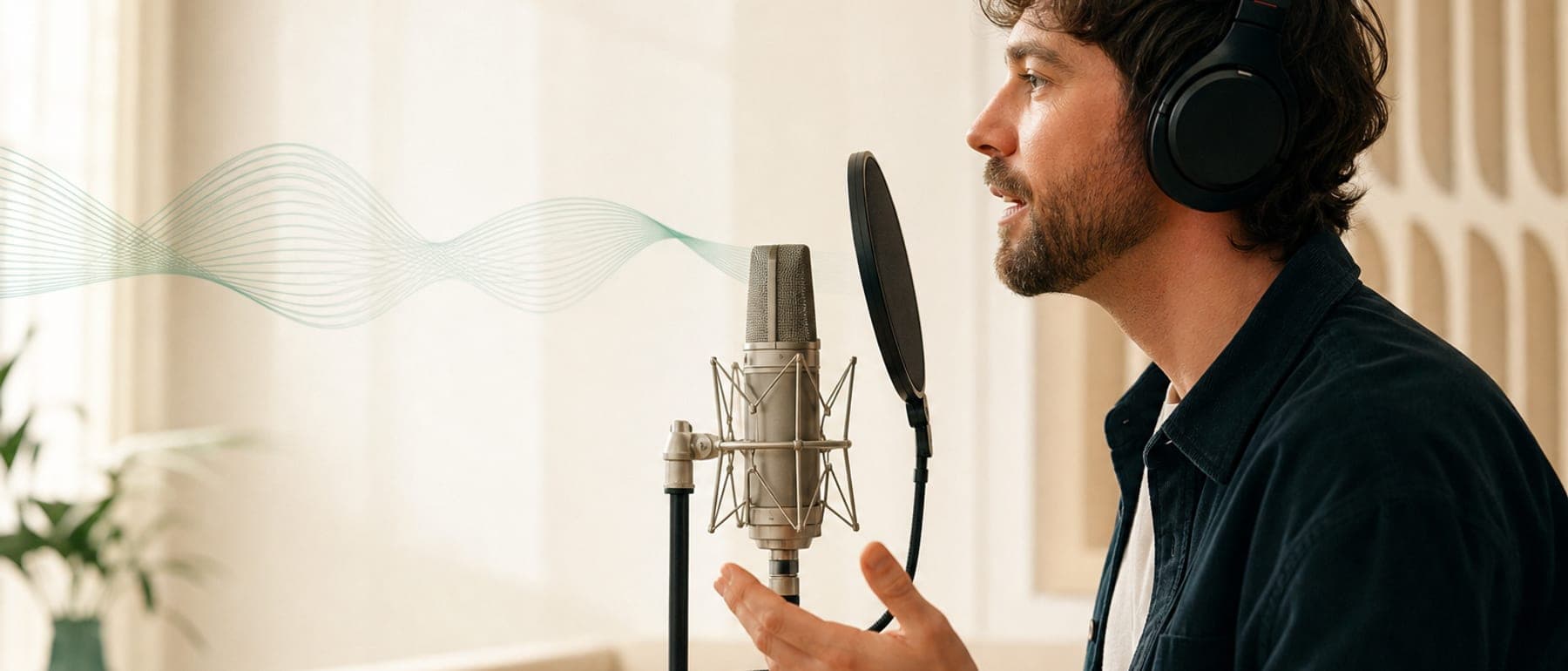
128+ voices, one tap to hear them.
Three tools. Every voice job covered.
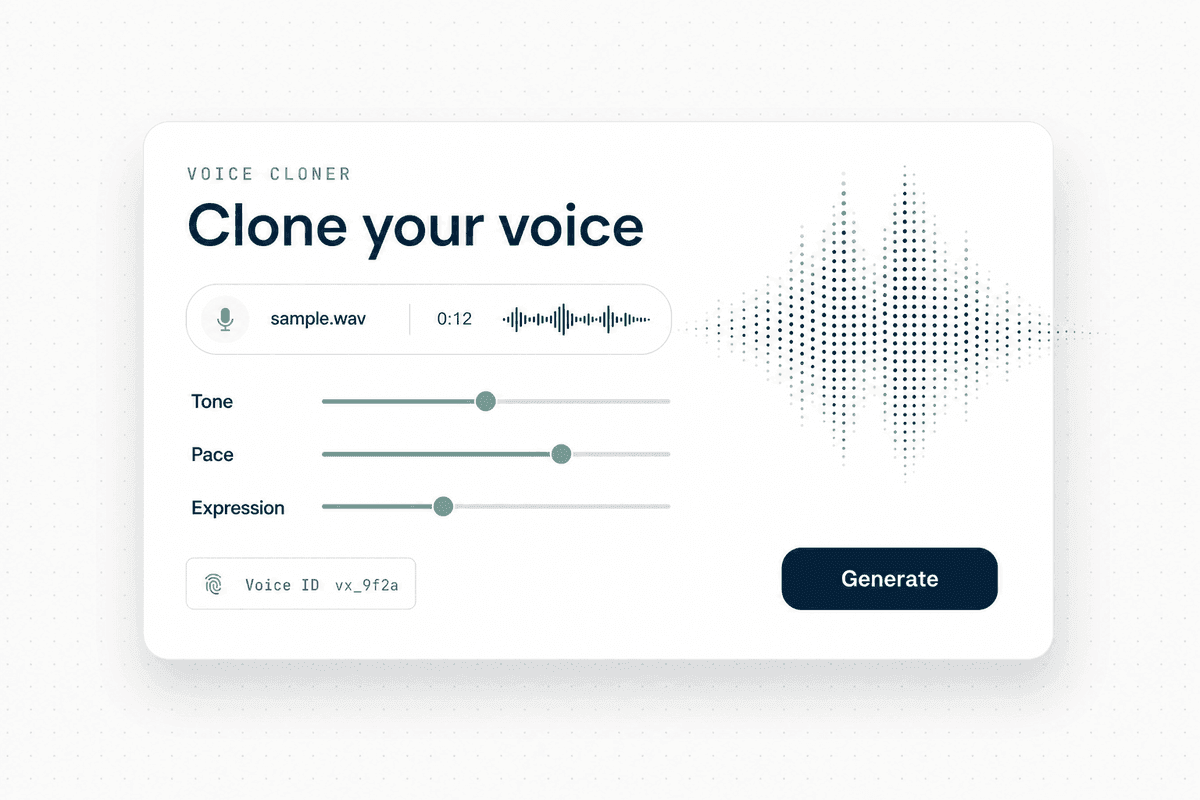
Clone any voice with AI precision
Upload a short voice sample and generate natural speech in the exact same voice. Fine-tune tone, pace, and expression for narration, ads, or content—fast, accurate, and multilingual.
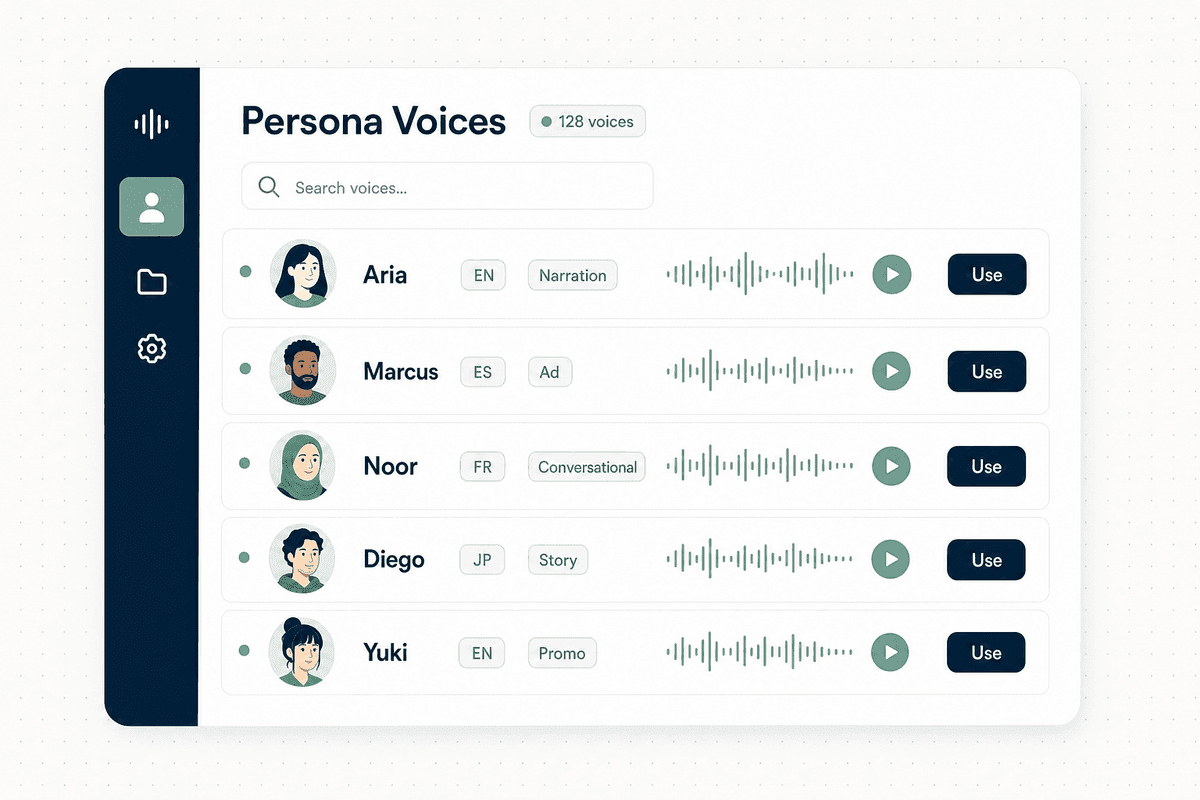
Generate voiceovers from 128+ presets
Choose from 128+ curated persona voices and turn any script into natural-sounding voiceovers. Great for videos, product demos, and storytelling with consistent quality in every take.
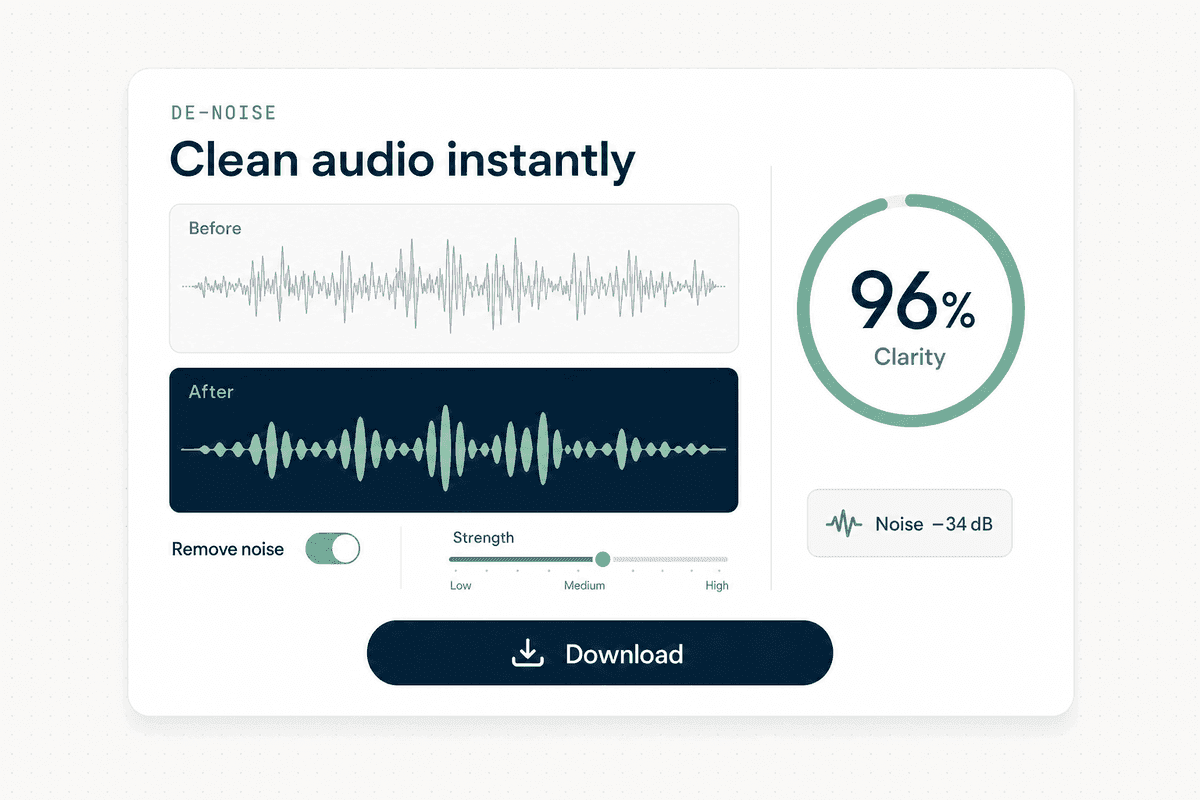
Clean & enhance audio instantly
Remove background noise and boost clarity in seconds. Upload, clean, and download studio-quality audio for calls, podcasts, and recordings—so every word stays crisp and clear.
Don't take our word for it.
Try it.
Two ways to hear it for yourself — generate a scripted intro in a cloned voice, or type a line and let any persona read it back. No setup.
From sample to studio audio in three steps.
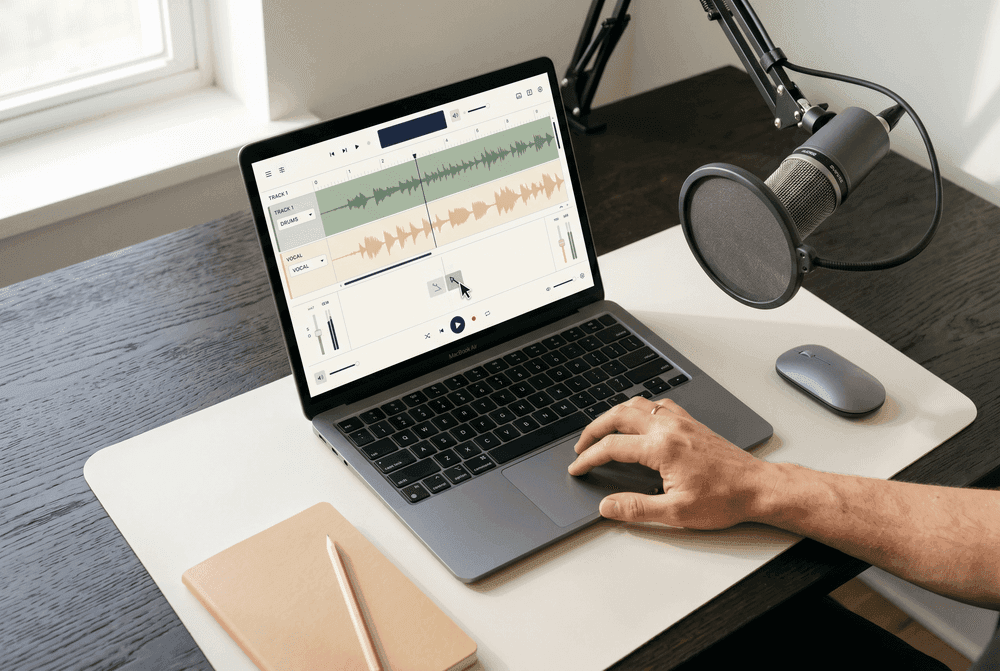
Choose your tool
Pick Voice Cloner to replicate a voice, Persona Voices to browse 128+ presets, or De-Noise to clean your audio.
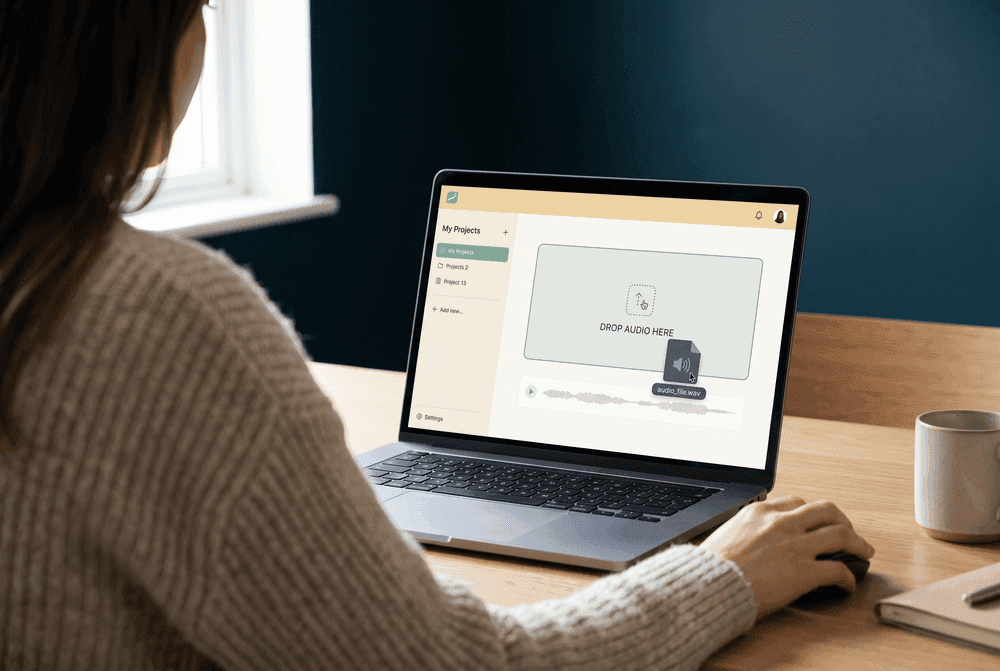
Upload audio or write your script
Upload an audio sample, drag-and-drop a file, or type your script directly. No technical skills required.
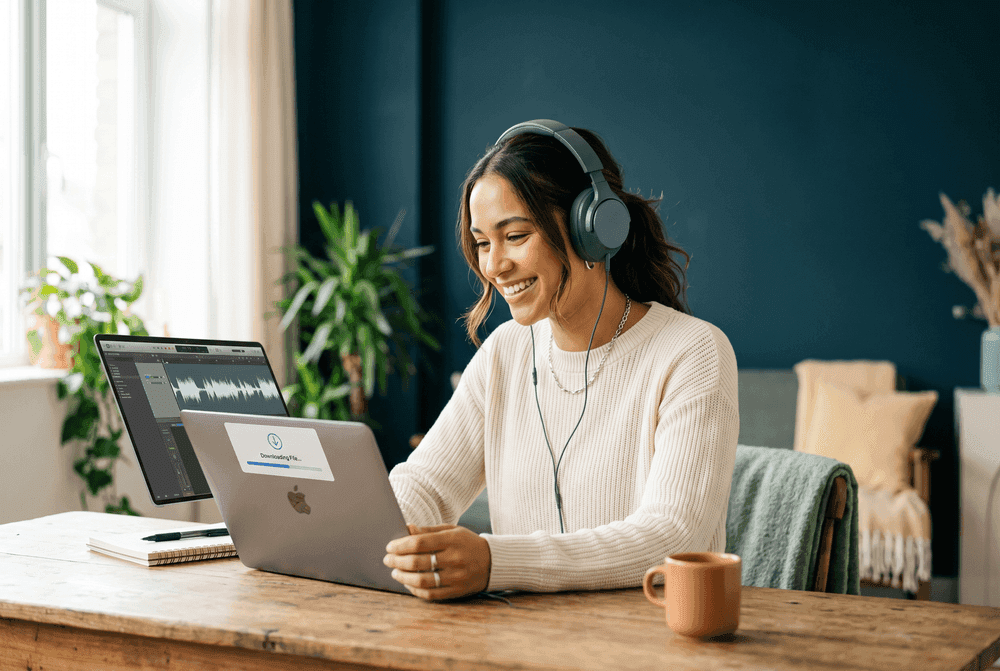
Generate & download
AI processes your request in seconds. Preview the result, then download a high-quality audio file instantly.
What our users say.
“Voice cloning is shockingly good.”
I uploaded a short sample and got a clean clone fast. The result sounded natural and kept the tone really well.
“Persona voices saved me hours.”
Picking a persona and generating a voiceover is super smooth. The previews are fast and I love that only one voice plays at a time.
“De-Noise is a must-have for my workflow.”
I cleaned up a recording with background noise and it came out way clearer without ruining the voice. Huge win for podcasts.
“The generation experience feels polished.”
Even when I refreshed mid-generation, the "Generating…" item stayed in history and the final audio appeared when done. That UX detail matters.
“Voice cloning is shockingly good.”
I uploaded a short sample and got a clean clone fast. The result sounded natural and kept the tone really well.
“Persona voices saved me hours.”
Picking a persona and generating a voiceover is super smooth. The previews are fast and I love that only one voice plays at a time.
“De-Noise is a must-have for my workflow.”
I cleaned up a recording with background noise and it came out way clearer without ruining the voice. Huge win for podcasts.
“The generation experience feels polished.”
Even when I refreshed mid-generation, the "Generating…" item stayed in history and the final audio appeared when done. That UX detail matters.
“Great results, especially for quick voiceovers.”
The persona voices are strong and consistent. I'd love even more personas later, but what's there is already very usable.
“Voice cloning works well with clean input.”
Best results when my sample is clear (as expected). When I use good audio, the clone quality is excellent.
“De-Noise is fast and effective.”
It removed most of the hum and room noise from my file. I still did a tiny manual touch-up afterward, but overall it's really solid.
“Great results, especially for quick voiceovers.”
The persona voices are strong and consistent. I'd love even more personas later, but what's there is already very usable.
“Voice cloning works well with clean input.”
Best results when my sample is clear (as expected). When I use good audio, the clone quality is excellent.
“De-Noise is fast and effective.”
It removed most of the hum and room noise from my file. I still did a tiny manual touch-up afterward, but overall it's really solid.
Questions, answered.
Everything you need to know about Clone a Voice. Can't find what you're looking for?
Contact Support →Upload or record a short audio sample of any voice, then type the text you want spoken. Our AI analyzes the voice characteristics and generates new speech that sounds just like the original. The better the quality of your sample, the more accurate the clone.
Persona Voices is our library of 128 pre-made AI voice presets. Browse the collection, preview any voice instantly (only one plays at a time for a clean experience), type your script, and generate a professional voiceover in seconds — no voice sample needed.
Upload any audio file with unwanted background noise — hum, room echo, wind, etc. Our AI isolates and removes the noise while preserving the clarity of the original voice. It works great for podcasts, interviews, and any recording made in less-than-ideal conditions.
Yes! You can sign up and start using Clone a Voice for free. You receive credits to generate voice clones, persona voiceovers, and clean audio. Once your free credits are used, you can purchase more to keep creating.
You can upload common audio formats like MP3, WAV, and WebM. Generated audio is delivered in high-quality formats ready for use in your videos, podcasts, or any project.
No worries — your generation won't be lost. The "Generating..." item stays in your history even if you refresh the page. Once the AI finishes processing, the final audio will appear automatically.
Absolutely. Your audio uploads and generated files are tied to your account and are not shared with anyone. We take your privacy seriously and never use your content for training purposes.
Your voice studio is one click away.
Clone, narrate, and clean audio with free starter credits — no credit card required.